OSA Transaction Guide Portal

Access OSA services, forms, and student support in one easy portal.

View Announcements

Chat Guide

Start with Ask OSA.
Get guided support fast.

Open the live assistant

Launch Ask OSA from the bottom-right button and type your concern naturally for instant guidance.

Verify when needed

Protected actions like claims, appointments, and escalations can trigger secure student-email verification.

Continue the flow

Stay inside the chat to receive the next step, required links, and any OTP prompt for sensitive requests.
Announcement Guide

Stay updated fast.
Check posted notices clearly.

Browse all OSA posts

See advisories, schedules, reminders, and event updates together in one organized announcement page.

Open the full bulletin

View the complete announcement, attached images, and context before acting on any school update.

Search what matters

Use titles, dates, categories, or keywords to find the exact posting you need faster.

Lost & Found Guide

Review items first.
Claim them the right way.

Inspect the listing

Check the item photos, category, and description to confirm the posted entry matches your property.

Keep the item number

Note the Lost & Found reference code before opening Ask OSA so the verification flow moves faster.

Complete the claim flow

Follow the guided chat process for proof-of-ownership checks and any OTP step required for restricted requests.

OSA Services

These entries follow the Office of Student Affairs role in student life and development at EAC.

From a Question to a Resolved Transaction

Every OSA concern follows the same predictable flow. Start with the assistant, get verified when needed, then move to the right module to finish the task.

01

Ask

Open Ask OSA and describe your concern in plain language. The assistant routes you to the matching service or document.

Takes seconds
02

Verify

For sensitive actions like Lost & Found claims or appointments, secure email verification confirms it is really you.

Student email
03

Schedule

Book a visit when needed. Track the appointment in real time — submitted, scheduled, waiting, completed.

Live timeline
04

Resolve

Walk in, finish your transaction, and close the loop. The portal keeps a record so the next request is even faster.

Closed loop

Student Manual and Forms

Downloadable OSA forms and official references. Use the highlighted manual below as the primary document.

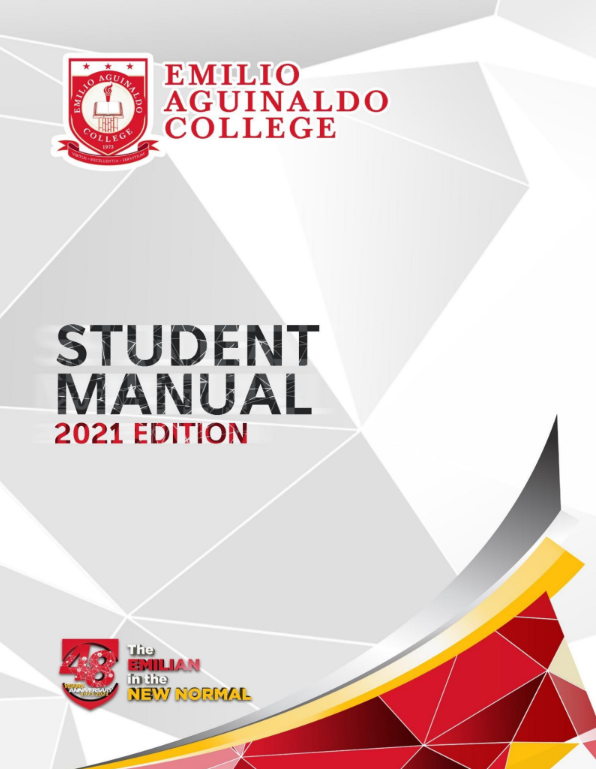
Cover of the Emilio Aguinaldo College Student Manual, 2021 edition
Primary reference document

EAC-C Student Manual

Central handbook for student rights, responsibilities, and academic norms. Open the PDF for full text; use Ask OSA for guided interpretation and service-specific questions.

Open Student Manual (PDF)

Scholarship Application

Download application form.

Incident Report Form

Use for conduct-related filing.

Academic Leave Form

Leave of absence application.

Quick Answers Before You Reach Out

Common questions answered here. For anything not on this list, Ask OSA carries the full verified knowledge base.

Lost & Found

How do I claim an item I lost on campus?

Browse the Lost & Found board, note the reference code, then open Ask OSA and start the guided claim. You will be asked for proof of ownership.

Documents

Where do I request a Good Moral Certificate?

Submit through the OSA office during posted hours. Bring your school ID and any required clearance. Ask OSA can list the latest requirements.

Scholarships

How can I apply for an OSA-handled scholarship?

Download the Scholarship Application form from the manual and forms section, prepare the listed attachments, then submit at the OSA office for review.

Conduct

How do I file an incident report?

Use the Incident Report Form in the forms section. Submit at the OSA office. Reports are reviewed under existing student conduct guidelines.

ID Processing

What if I lost my school ID?

Ask OSA for the current ID replacement steps. You will be guided through the form, the fee details, and where to claim the reprinted ID.

Activities

Where do student organizations register events?

Coordinate through OSA under the Learner Activity Program (LAAP). Ask OSA can outline the steps, required signatories, and submission window.

Did not find your answer? Open Ask OSA — it carries the full verified knowledge base and connects you to staff when needed.

Dedicated Module Pages

Serves as the central landing page, providing a clear overview of the portal and quick access to key features and services.

Announcements / News

Displays official announcements, advisories, and updates with accurate timestamps.

Open page

Lost & Found Board

Displays reported items with images, descriptions, timestamps, and claim status.

Open page

About Portal

Displays system overview, features, service details, and relevant information about EAC Cavite's OSA office.

About Portal

Office Hours, Location, and Direct Lines

Plan your visit ahead. The OSA office serves walk-ins during posted hours and accepts inquiries through email and phone outside the chat.

Office Hours

Open for student transactions

Manila local time. Holidays and academic suspensions may affect availability — check the announcements page for short-notice updates.

Monday8:00 AM – 5:00 PM
Tuesday8:00 AM – 5:00 PM
Wednesday8:00 AM – 5:00 PM
Thursday8:00 AM – 5:00 PM
Friday8:00 AM – 5:00 PM
SaturdayClosed
SundayClosed

OSA opens for in-person transactions during the posted schedule.

Where to Find Us

Office of Student Affairs

Emilio Aguinaldo College — Cavite Campus. Look for OSA signage along the main academic corridor.

Address Gov. D. Mangubat Ave., Brgy. Burol Main, Dasmariñas, Cavite 4114, Philippines
Best Time 9:00 AM – 11:00 AM and 2:00 PM – 4:00 PM tend to have the shortest wait at the counter.
Anytime Open Ask OSA from any page in the bottom-right corner — available outside office hours.